A quick first look at what Surf Fishing App is built to do.
The signed-out iOS home screen is a short four-page walkthrough, not a generic marketing homepage. The website now follows that same structure so the first-run flow stays aligned across both surfaces.
Live MapCatch FeedBite ForecastFish IdentifierRegulations SearchProfile + Support
Live shoreline intel
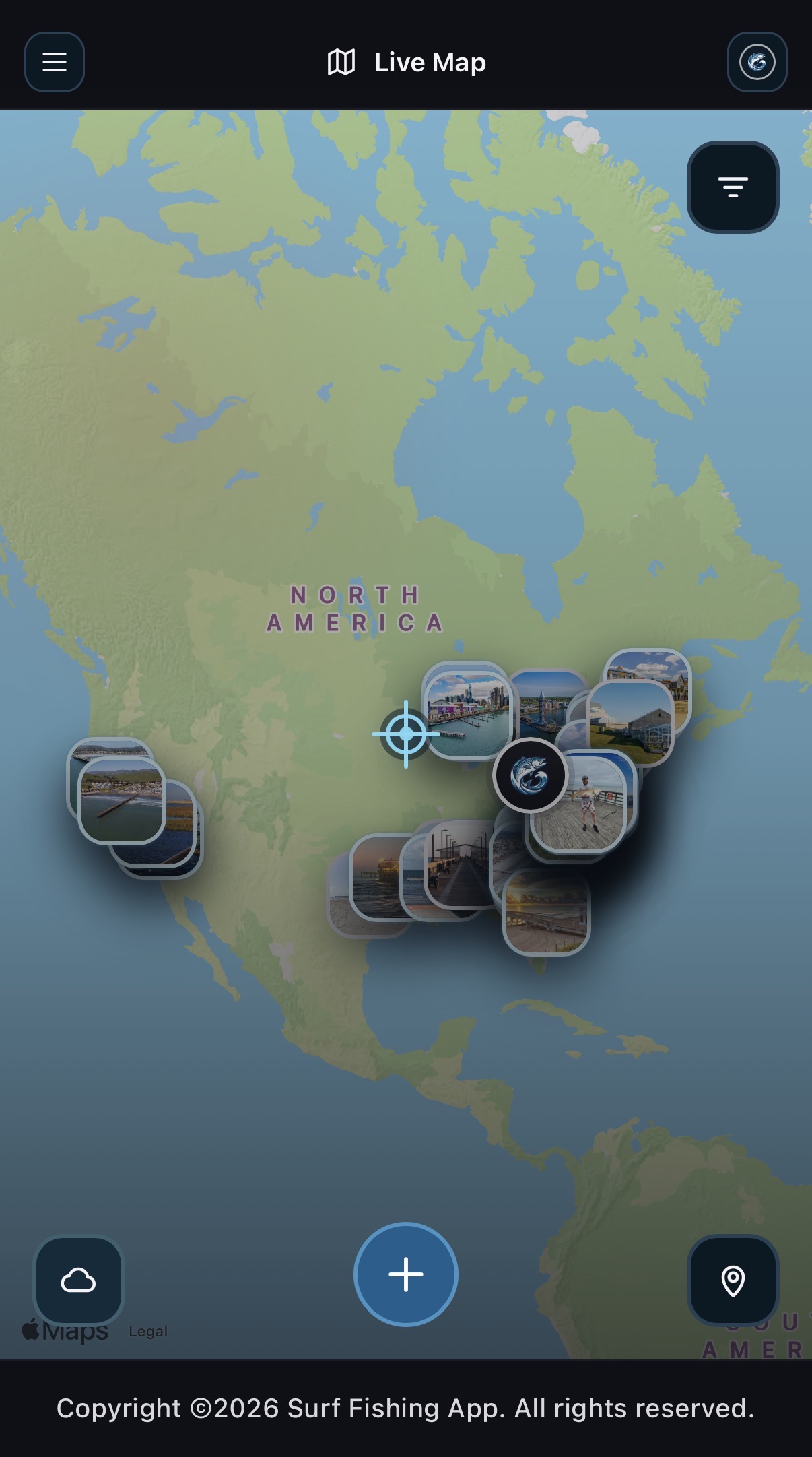
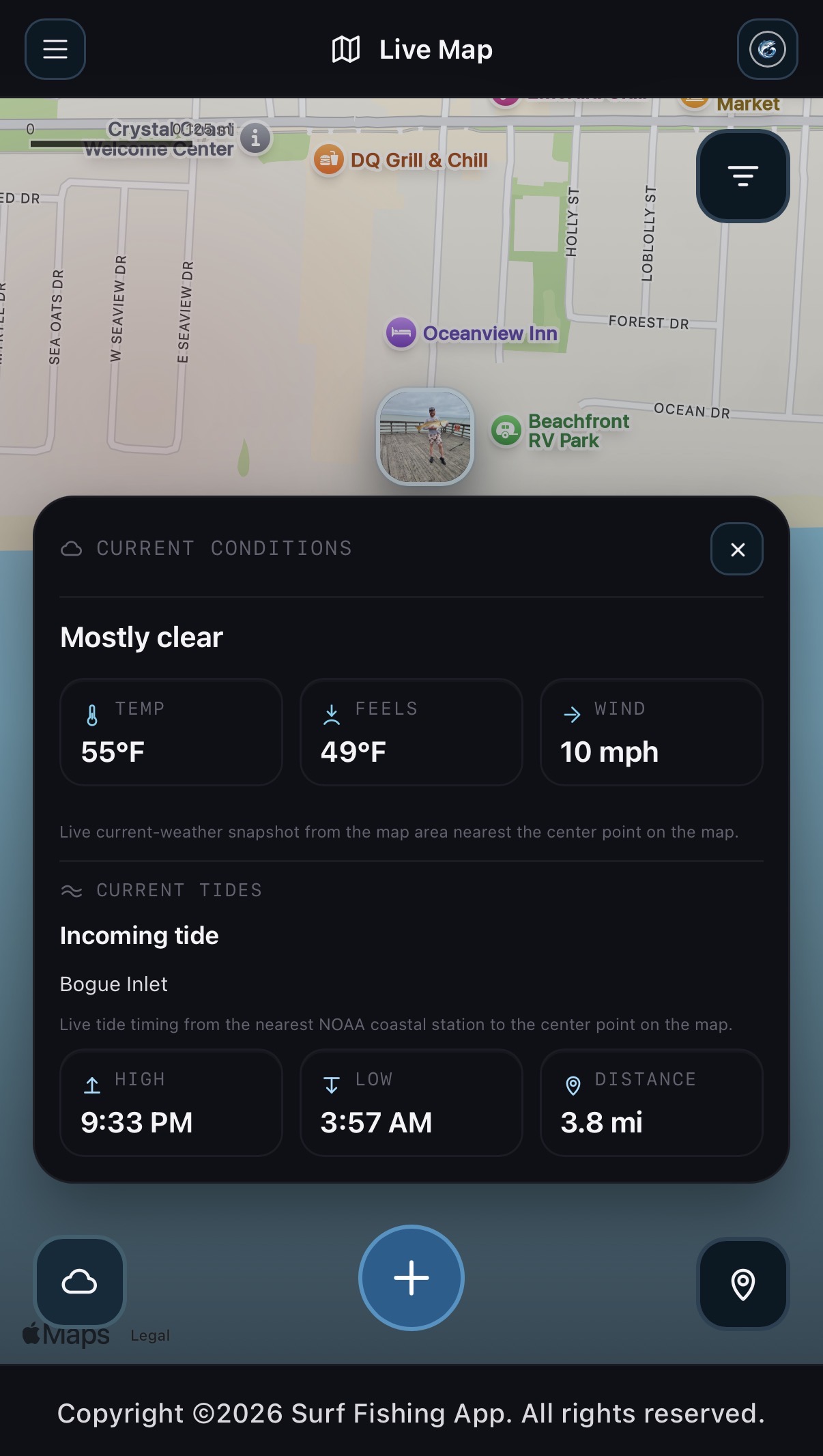
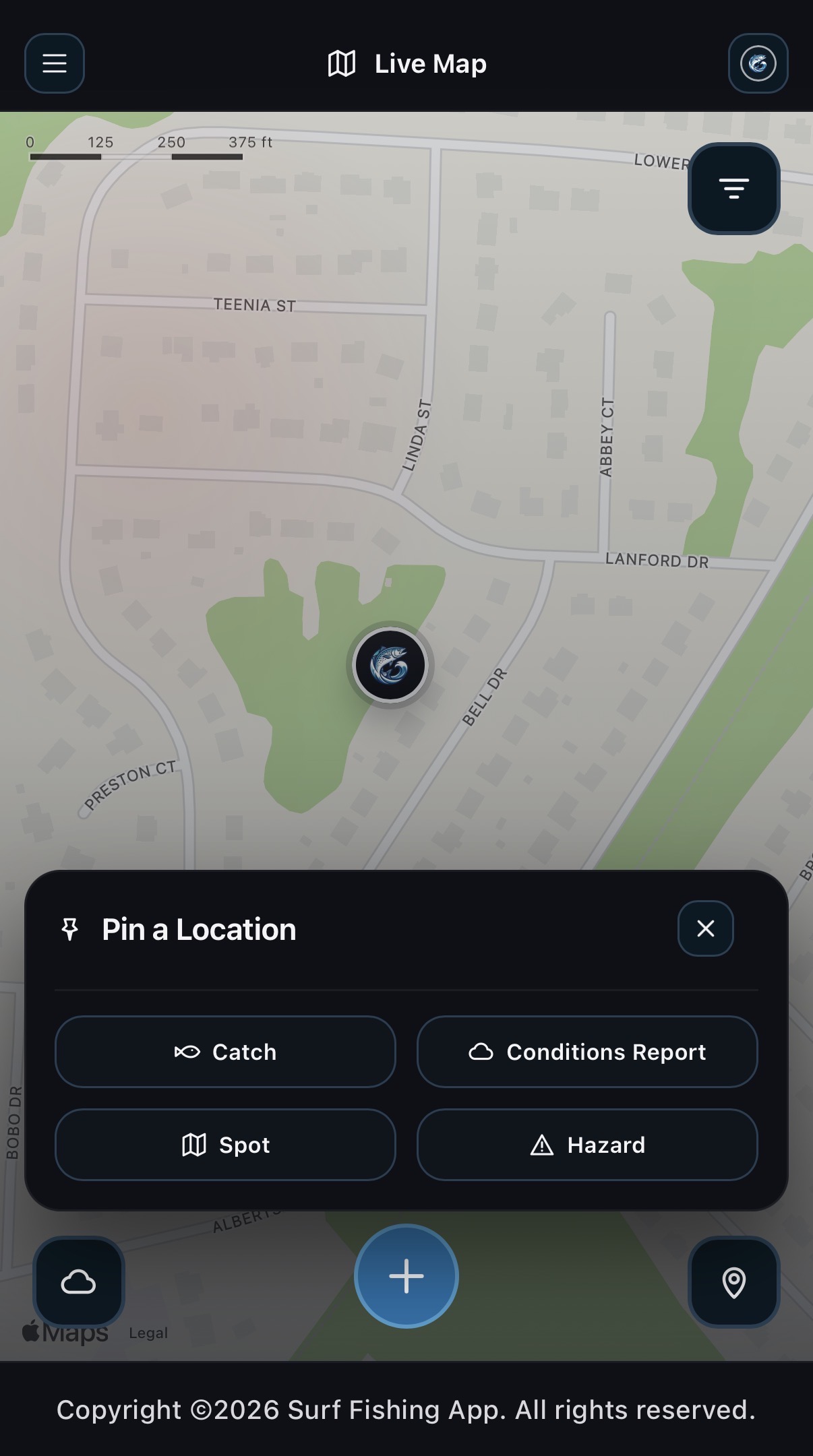
Track catches, spots, fishing reports, hazards, and location cams from one map-first view.
Real catch activity
Browse media-first catch posts and member activity without leaving the same app shell.
Help is built in
FAQ and support are real routes in the app, not dead ends or placeholder pages.
The trip-planning and live-activity tools that anchor the app.
The iOS landing flow calls out the tools that matter before, during, and after a trip: map activity, catch browsing, deeper forecasting, fish photo identification, and pictured regulations.
Live Map
Browse catches, spots, fishing reports, hazards, and location cams with the same search, filters, and overlays used in the app.
Open Immediately
Catch Feed
Flip through full-screen catch posts, comments, profile previews, and interaction counts tied to live app data.
Browse Recent Activity
Bite Forecast, Fish ID, Regulations
Use the same deeper planning route, coastal fish upload tool, and pictured state rule flow that the iOS app exposes.
Planning Stack
The profile, notification, settings, FAQ, and support shell.
Account routes stay grouped the same way as iOS: notifications, profile history, settings, FAQ, and support all live inside the same dark app shell and keep your activity tied to one account.
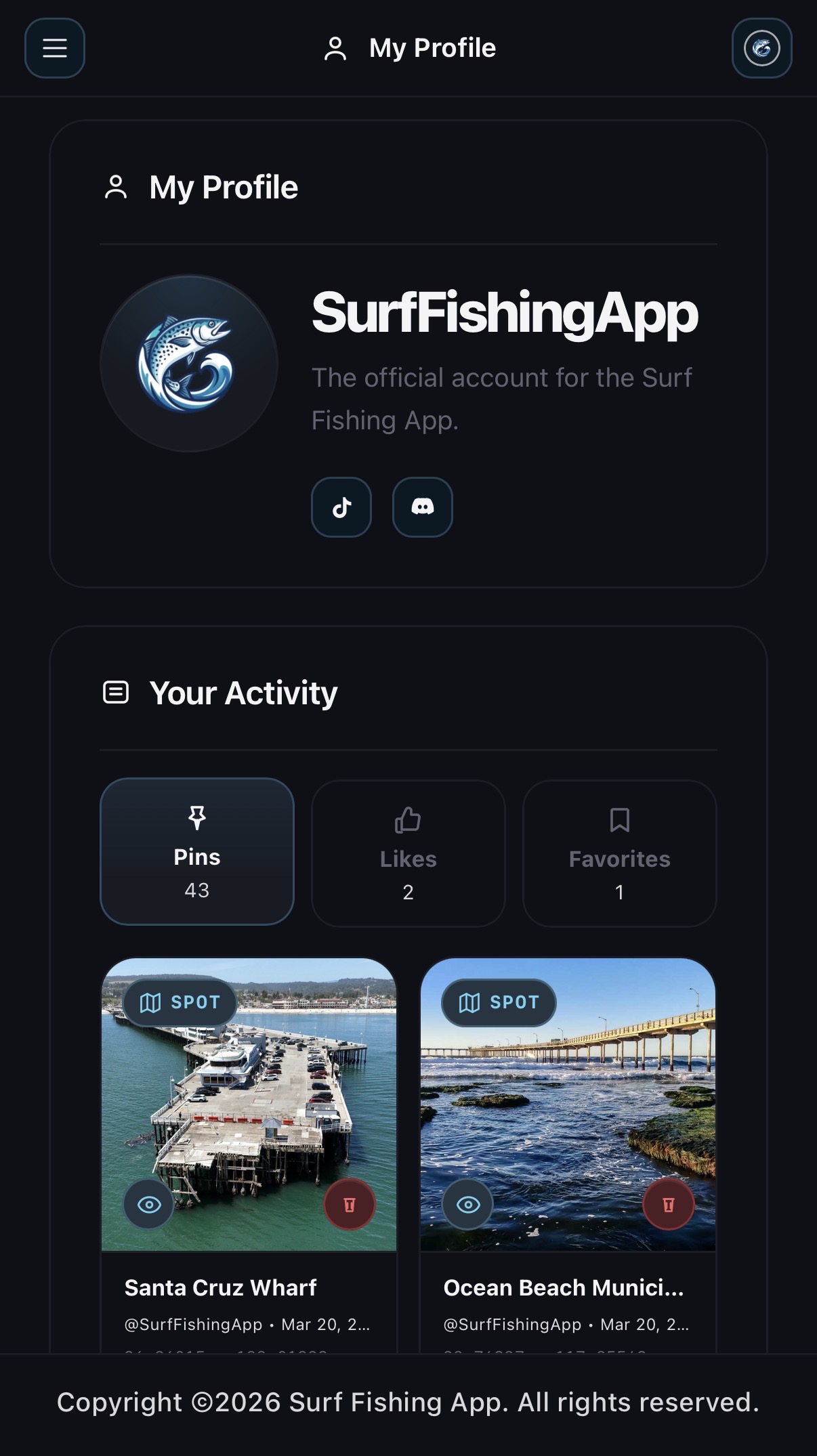
My Profile
Pins, likes, and favorites stay grouped so every trip builds a better fishing record instead of scattered notes.
Notifications + User Settings
Likes, comments, avatars, social links, support replies, and moderation status all stay in the same account shell.
FAQ + Support
Published help content and support ticket submission are always available, even when a user is not signed in yet.
The final landing page is the only CTA surface, just like iOS.
The iOS app keeps the first three screens informational and saves real route buttons for the final page. The website now does the same with the exact first-run destinations: Sign In or Create Account, Live Map, FAQ, and Support.